Learn the secret of controlling your standing desk with a few simple clicks! Discover how easy it is to program its memory presets and how you can adjust the height for maximum comfort.
Discover the secret how to program standing desk memory? In some simple steps, you can unlock the ability to customize your desk’s height settings completely.
You need to ensure all cables are plugged in firmly and then use the up or down arrow keys to set the table at your desired height before saving it by pressing “M“. With several sets of presets that can be easily programmed; one can customize their desks according to different tasks and preferences.
A Step-by-Step Guide | How to Program Standing Desk Memory?
Follow our step-by-step guide on How to program standing desk memory. And get beneficial results. First, know vital information on memory presets.
What Are Height Memory Presets?
Height memory presets are like shortcuts for your standing desk. You can set specific heights you like and save them. Then, with just a button press, your desk adjusts to those heights instantly. It’s easy to switch between sitting and standing positions without hassle.
How Do Height Memory Presets Work?
To achieve exact height adjustments, memory presets in the standing desk use an electronic controller usually mounted on the tabletop and motors situated within the legs.
The desk’s control system logs the position, links it to a particular button or number when the user specifies a desired height, and stores it as a preset. The desk’s motors instantly adjust the desk to the correct preset height when that button is pressed.
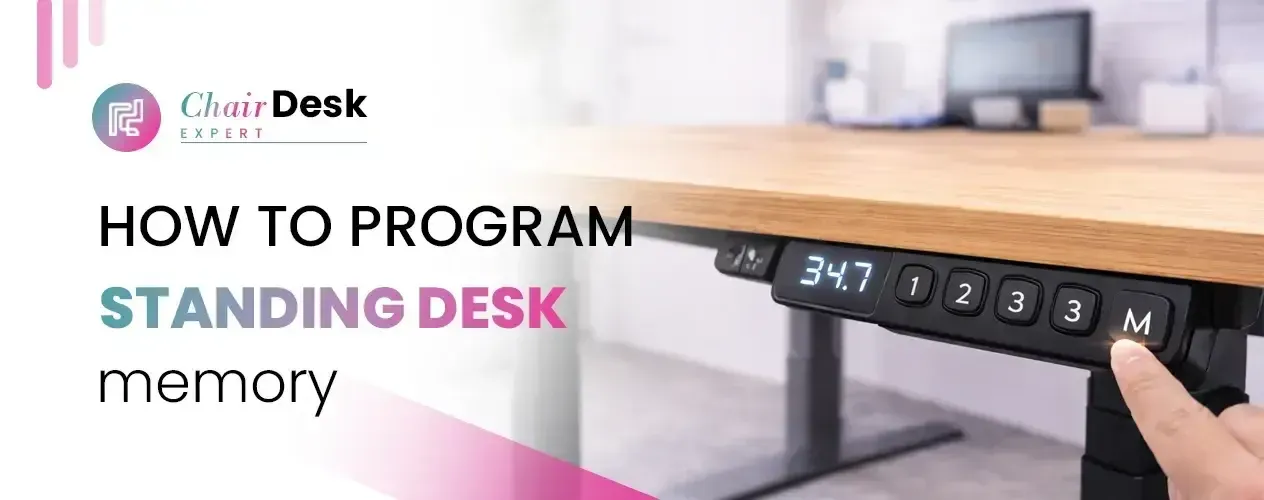
The controller under your standing desk has buttons for adjusting its height. Cheaper desks may only have ‘up‘ and ‘down‘ buttons, while better ones offer four preset buttons. These presets let you save specific heights for sitting and standing. The controller usually has:
- Two manual adjustment buttons: Hold these to move the desk up or down.
- Three to four preset buttons: Save different heights for quick adjustments.
- A linking button: Used to assign saved heights to preset buttons.
- A digital display: Shows the desk’s current height in centimetres. If your desk has castors, the displayed height may need calibration
How to Program Memory Preset Heights:
Check Connections: Ensure all cables, including the power and control panels, are securely plugged into the control box under the Desky Dual Electric Sit Stand Desk.
- Verify Power Outlet: Check that the power outlet connected to the desk is securely in place and turned on.
- Clear Space: Remove any obstacles under the desk as you adjust it to its lowest height.
- Adjust Desk Height: Press and hold the up or down arrow until you reach your desired height.
- Save Height: Press the “M” button, and an “S” will appear on the panel. Then, press any one of the four memory preset numbers to save the current height to that number.
- Confirmation: The display will show the “S” and the chosen number, indicating that the height has been saved. You can now program the remaining buttons for individual heights based on your workflow.
- Set one of the buttons to the highest height so you can easily access under the desk for cleaning or adjusting cables.
How to Save Height Presets on your Sit-Stand Desk:
sit-stand desk programming
Here’s how to save height presets on your sit-stand desk:
Step 1: Find your preferred height
- Use the manual adjustment buttons to reach your desired height.
- Ensure ergonomic conditions by positioning your forearms and upper arms at approximately 90 degrees.
- Use the down button to lower the desk and the up button to raise it to the desired height.
Step 2: Press the link button
- Press the preset link button once your desk is at the desired height.
- An “S” will appear on the digital display, indicating that the controller is ready to save your choice of preset button.
- Suppose you don’t assign the elevation to a preset button within the allocated time. In that case, the display will return to its normal function.
Step 3: Assign the height to a preset button
- While the “S” is displayed, press one of the four preset buttons to assign the current elevation.
- The displayed elevation will now be saved to that button.
Some desks may beep to confirm that the height is stored in memory. If not, manually adjust the height and press the saved button to ensure it adjusts automatically.
Step 4: Repeat the process
- After saving one height preset, repeat the process for the remaining preset buttons.
- Save different heights for various working positions, such as standing, using an ergonomic chair, or sitting on an exercise ball.
- This customization allows quick and seamless adjustments tailored to your specific daily needs.
Changing an existing preset height:
You typically cannot erase saved elevations to change a preset height on a height-adjustable desk. Instead, you overwrite the existing preset by repeating the process on the same button.
Simply adjust the desk to the desired height, press the link button, and then press the preset button again to update the previous entry.
How many height presets can be made?
Each preset button on a standing desk can store only one preset height. For instance, if your desk has three preset buttons, you can save three heights in memory.
Similarly, if your desk has four buttons, you can save up to four heights for convenient use. Electric standing desks are preferable for their four memory presets, offering more flexibility and convenience.
The Advantages of Programming a Standing Desk:
- Customized Ergonomics: Programming your standing desk enables you to establish personalized height configurations tailored to your unique requirements. This ensures optimal ergonomic positioning for sitting and standing, promoting comfort and reducing strain.
- Convenient Height Adjustment: With a digital controller, you can effortlessly change between seated and standing positions at the touch of a button. This quick and easy adjustment enhances productivity and comfort throughout the workday.
- Multiple Presets: Having multiple preset options allows you to save heights for different furniture items. For instance, you can save heights for an exercise ball and an ergonomic chair, enabling seamless transitions between various work setups.
- Shared Workspaces: In shared work environments or multi-user settings, programming a standing desk allows individuals to save their preferred height settings. This facilitates workstation sharing while maintaining consistent ergonomic support for all users.
The Drawbacks of using Memory Presets:
- Limited Adjustments: While presets offer convenience, they may discourage minor adjustments over time to maintain optimal ergonomics. Over-reliance on presets could lead to less flexibility in finding the most comfortable positions.
- Risk of Overwriting Settings: In shared workspaces, there’s a risk of accidentally overwriting current height settings or those of another user. Mistakenly pressing the wrong button or someone else changing the presets without your knowledge can disrupt your preferred setup.
- Mechanical or Electrical Malfunctions: More parts in desks with memory presets increase the chances of mechanical or electrical malfunctions. While such issues are rare, they can result in inaccurate height adjustments or desk malfunction.
- Dependency on Electricity: Digital height controllers require electricity to function. This dependency means you won’t be able to adjust the desk’s height during a power wo or if the power cable desk is slugged. This reliance on a power source is a drawback compared to manual standing desks, which can be adjusted without electricity.
Wrapping Up
With our step-by-step instruction, How to program standing desk memory?, you can easily program your standing desk memory presets to suit your unique needs.
Take control of your workspace and elevate your ergonomic experience with personalized height settings tailored to you. So avoid discomfort and welcome to productivity with the power of memory programming!
FAQs
1: How do I reprogram my standing desk?
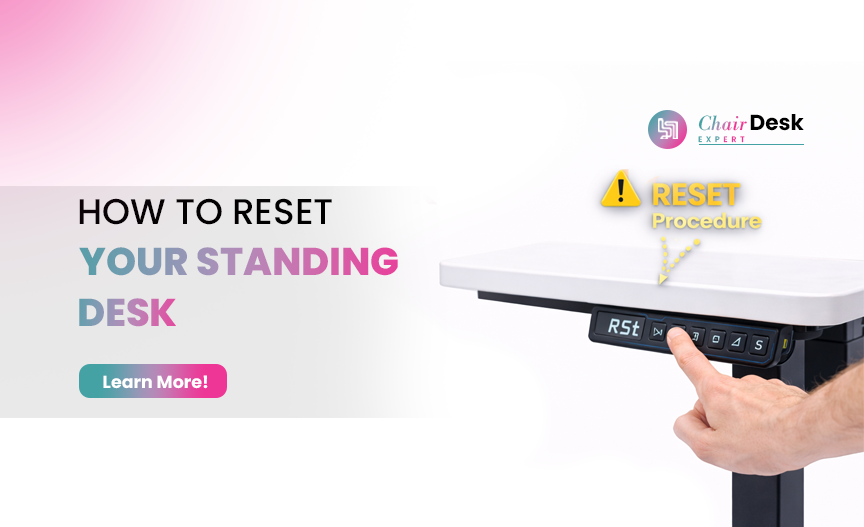
To reset your standing desk, start by unplugging it and waiting about 30 seconds before plugging it back in. Then, press and hold the down arrow on the keypad until the desk reaches its lowest position. Once it’s at the lowest position, release the button. Press the down button again for approximately 10 seconds and wait for the keypad to display “ESET” or “ST.”
2: How do you use a standing desk’s memory system?
Adjust your desk to the desired height.
Press one of the M buttons until you hear a beep to save your settings. The beep confirms that your height preset has been saved.
To recall the saved height, simply press the corresponding M button, and the desk will return to that height.
3: What does the M mean on a standing desk?
The button on a standing desk keypad is used to lock and unlock it. When you press and hold the “button, the display changes to “OC,” indicating that the keypad is locked. To unlock it, press and hold the “button again until the display shows the numeric height setting.
4: What is the ASR code on a standing desk?
The ASR code stands for “ll System Reset.” It typically occurs when there’s been an obstruction to the desk’s movement or if the anti-collision system has been triggered. To resolve this, plug the desk back into the power source and turn it on.
5: Why does my standing desk keep resetting?
A standing desk may reset if temporarily unplugged and plugged back in or the outlet loses power. In such cases, the desk automatically goes into reset mode.